OpenClaw and Hermes Agent are the two self-hosted AI agents people most often want running around the clock: you message them on Telegram, WhatsApp, Discord or Slack, and they act. Both need a machine that never sleeps, which is why "best VPS for OpenClaw" became a search in its own right. Most answers to it are hosting pages selling their own plan.
Here is the part those pages skip: neither agent runs a language model on the server. Both call a model provider — Anthropic, OpenAI, OpenRouter, Nous Portal, or a local endpoint you choose. The VPS only hosts a gateway process that holds your chat connections, memory and tools. That changes what you should pay for.
What the server actually does
OpenClaw runs a Gateway — in its own documentation, "the local control plane for sessions, tools, events, and channel connections." On a VPS you install it, run openclaw onboard --install-daemon, and it registers a systemd service that restarts itself. It is a Node.js application: the project asks for Node 24.16+ or 26.1+, and its installer handles that.
Hermes Agent, from Nous Research, is a Python application (3.11 to 3.14) with a single messaging gateway connecting Telegram, Discord, Slack, WhatsApp, Signal and the CLI. Its README puts it plainly: "Run it on a $5 VPS or a GPU cluster." Commands can run locally, in Docker, over SSH, or in remote sandboxes.
Neither project publishes official minimum RAM or CPU figures. From what each process does, the honest sizing is:
| Workload | Sensible floor |
|---|---|
| Gateway + chat channels, model in the cloud | 1 vCPU, 2 GB RAM |
| Plus browser automation (OpenClaw drives a real Chromium profile) | 2 vCPU, 4 GB RAM |
| Plus Docker sandboxes for tool commands | 2 vCPU, 4–8 GB RAM |
| Running the model itself on the box | Not a VPS job — you need a GPU server |
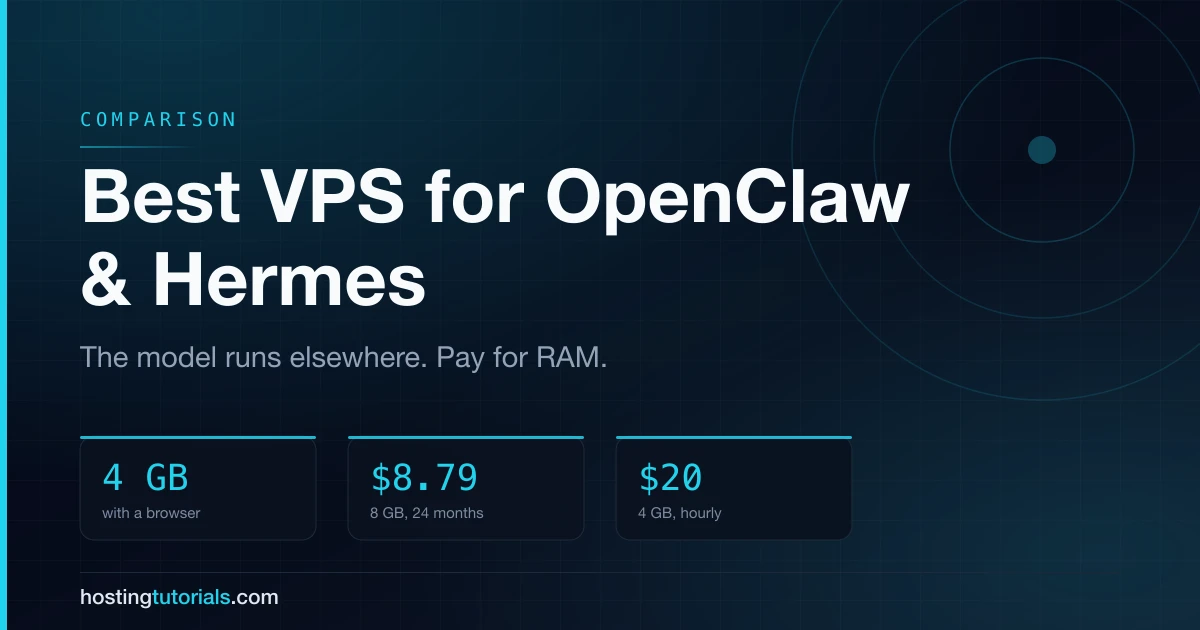
The jump comes from the browser, not the agent. A headless Chromium with a few tabs open will use more memory than the gateway and the agent combined, so if you plan to let the agent browse, start at 4 GB.
The plans worth considering
Prices read from each provider's own pricing page on 12 November 2026.
| Provider | Plan | vCPU / RAM / disk | Traffic | Price | Billing |
|---|---|---|---|---|---|
| Vultr | Cloud Compute, Regular | 1 / 2 GB / 55 GB | 2 TB | $10/mo | hourly, no term |
| Vultr | Cloud Compute, Regular | 2 / 4 GB / 80 GB | 3 TB | $20/mo | hourly, no term |
| Vultr | Cloud Compute, High Performance | 2 / 4 GB / 100 GB NVMe | 5 TB | $24/mo | hourly, no term |
| Hostinger | KVM 1 | 1 / 4 GB / 50 GB NVMe | 4 TB | $6.49/mo, renews $11.99 | 24 months up front |
| Hostinger | KVM 2 | 2 / 8 GB / 100 GB NVMe | 8 TB | $8.79/mo, renews $14.99 | 24 months up front |
| DigitalOcean | Basic Droplet | 2 / 4 GiB / 80 GiB | 4,000 GiB | $24/mo | hourly |
| Hetzner | CX23 | 2 / 4 GB / 40 GB NVMe | 20 TB (EU) | €5.49/mo ex VAT | hourly — but listed as unavailable |
| Oracle Cloud | Always Free, Ampere A1 | 2 OCPU / 12 GB | 10 TB out | free | idle instances may be reclaimed |
Three things stand out.
Hostinger is the cheapest RAM per dollar, on condition. KVM 2 gives 8 GB for $8.79 a month — but only if you pay 24 months ($210.96) in advance, and it renews at $14.99. Hostinger also has a dedicated OpenClaw page with a one-click Docker template. Its recommended plan there ("APP 2", 2 vCPU / 6 GB) is priced separately from the main VPS table, so compare both before you buy.
Vultr is the cheapest way to find out whether you need this at all. No term, billed by the hour, and destroying the server stops the bill the same hour. If you are still deciding whether an always-on agent is worth it, that is the right shape of commitment.
The cheap European options are harder to get than they look. Hetzner's CX and CAX plans were the default recommendation for a year; on 12 November 2026 its cost-optimised plans show as currently unavailable, after the June 2026 price adjustment. Oracle's Always Free tier is real and supported by OpenClaw's own VPS guide, but Oracle reclaims instances whose CPU, network and memory all stay under 20% for a week — exactly what an idle chat agent looks like.