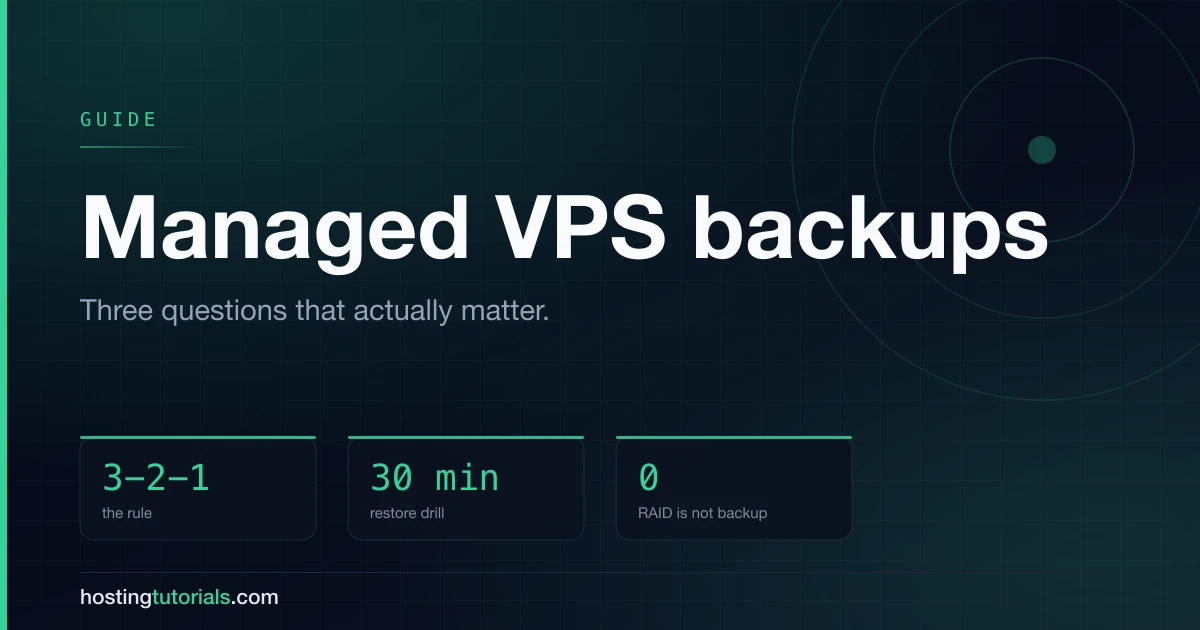
Most hosting backup pages answer the wrong question. They tell you backups exist. What determines whether you survive an incident is narrower: how far back you can go, how long a restore takes, and what the backup does not cover.
Here is how that works on ScalaHosting managed VPS, and what to add regardless of host.
What is included
ScalaHosting runs automated backups on managed VPS plans, exposed through SPanel. You can restore a whole account or individual files, and you can trigger a backup on demand before a risky change.
Three properties matter more than the schedule:
Retention depth. How many restore points you hold determines what class of problem you can recover from. A single nightly backup covers "I deleted the wrong thing today". It does not cover a corruption or compromise you notice three weeks later, by which point every retained copy contains the problem. Check the retention on your specific plan — it varies by tier, and it is the number that decides what you are actually protected against.
Restore granularity. Restoring one file after an editing mistake and restoring an entire account after a failure are different operations. SPanel supports both, which matters because the full restore is the one you do under pressure.
Where the copy lives. A backup on the same physical host protects against your mistakes, not against the host's. Off-server storage is what makes it a real backup.
What backups do not cover
This is the part that catches people out.
RAID is not a backup. It survives a disk failure. It does not survive a deletion, a bad deployment, a compromise or an account suspension — the RAID array dutifully replicates all of those.
Snapshots are not a backup strategy. A snapshot on the same infrastructure shares that infrastructure's failure modes. Useful for rollback, insufficient for disaster recovery.
Backups you have never restored are a hypothesis. The failure mode is not the backup not running; it is the backup running for two years and being unrestorable when needed — wrong database version, missing file permissions, a dump that was silently truncated.
Your account being suspended takes the backups with it. Billing lapse, terms dispute, payment card expiry. If the only copy is with the host, losing the account loses the copy.
The rule worth following
3-2-1: three copies, on two different media, one of them off-site.
Applied to a managed VPS:
- The live site on the server
- The host's automated backup (ScalaHosting's, in SPanel)
- An independent copy somewhere the host does not control
The third one is the only one you control, and the only one that survives losing the account. Object storage costs a few dollars a month for a site-sized backup — negligible against the cost of losing the site.
The same distinction between a working tier and a durable archive applies here as it does to seedboxes versus cloud storage: a single host is a working tier whatever it is running.
A restore drill, once
Book thirty minutes. Once.
- Take a backup.
- Restore it somewhere that is not production — a staging subdomain, a local environment.
- Load the site. Log in. Check the database has current data, not a stale copy.
- Write down how long it took.
That last number is your actual recovery time, and it is usually longer than people assume. Knowing it in advance changes what you do during an incident: whether you restore immediately or spend twenty minutes diagnosing first.
If the restore fails, you have found a broken backup on a calm afternoon instead of a bad morning. That is the entire value of the exercise.
Before any risky change
Cheap discipline that prevents most restore situations:
- Trigger a manual backup before a core update, a plugin update or a deployment. It takes a minute.
- Note what you changed. A restore point is more useful when you know what to compare against.
- Change one thing at a time on anything load-bearing. Bundled changes make it impossible to identify what broke.
- Keep a copy off the host before migrations especially — that is when accounts get closed and data disappears with them.
Frequently asked questions
How often does ScalaHosting back up?
Automated backups run on a schedule set by your plan, with on-demand backups available in SPanel. Check the retention depth on your specific tier — that is what determines how far back you can go.
Can I restore a single file?
Yes. SPanel supports both file-level and full-account restores.
Do I still need my own backups?
Yes. Host backups protect against most incidents; they do not protect against losing the account. Keep one independent copy.
Is RAID enough?
No. RAID protects against a failed disk and nothing else. Every logical error is faithfully mirrored.
How long does a restore take?
Long enough that you should measure it before you need it. Run the drill above and write down the number.
What about the rest of my hosting?
The same logic applies wherever the site lives — shared hosting and unmanaged VPS both need the independent copy, and on unmanaged you are responsible for the automated one too.
Some links on this page are affiliate links. If you sign up through them we may earn a commission, at no extra cost to you. It never changes which providers we recommend or how we rank them.